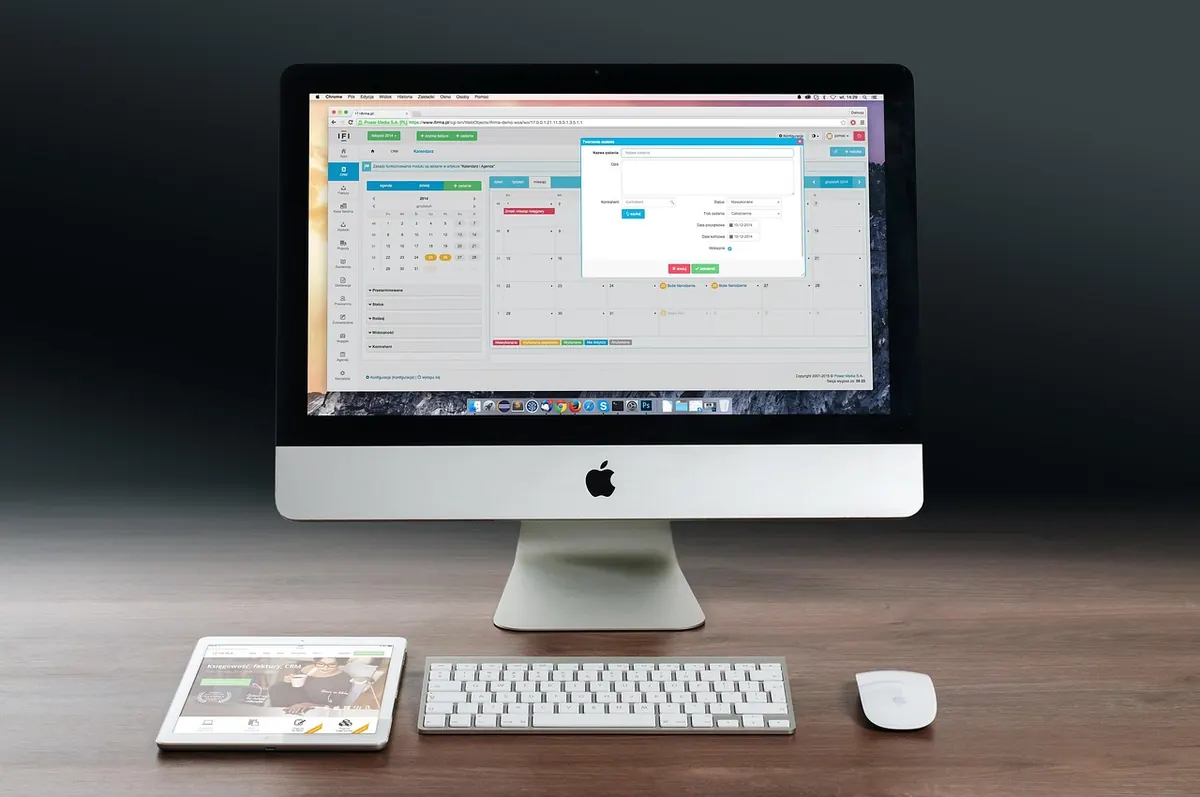
Your first gaming setup rarely fails in a dramatic way. It fails in small, expensive ones: a monitor that leaves your neck stiff, a graphics card starved of air inside a desk cubby, a knot of cables that turns every small change into a chore. Most of these problems are cheaper to avoid than to fix, and none of them need a bigger budget — just a better order of operations. Here are the mistakes that come up again and again in first builds, with the fix for each.
Choosing the monitor before you know what will drive it
The monitor is the part you look at for hours, so it tends to be the first thing people buy and the last thing they think through. A 32-inch 4K panel looks superb in a showroom. On a desk where you sit an arm's length away, it can leave you turning your head to read a minimap, and it asks a lot of whatever graphics card you can afford. Plenty of first builds end up with sharp text and stuttering frames for exactly that reason.
Work backwards from your viewing distance and your budget. At roughly arm's length, a 24-inch 1080p or 27-inch 1440p screen is comfortable for most desks; 4K at that size is a luxury of sharpness that costs frames unless the card can keep up. If you mostly play shooters and racing games, refresh rate matters more than resolution. If you play slower, story-led games and also work on the machine, resolution and panel quality earn their keep.
Panel type deserves a few minutes of reading. Cheap VA panels can smear in dark scenes, IPS panels generally look better off-axis but may leak light in the corners, and OLED looks superb but asks you to think about static interface elements over long sessions. None of these is disqualifying. The mistake is buying on spec-sheet numbers without asking what you'll actually be looking at.
The last monitor mistake is physical: check for VESA mounting holes before you buy. A monitor arm is one of the cheapest ways to reclaim desk space, and discovering your panel has no mounting option afterwards is a needlessly annoying find.
Cables are not an afterthought
Cables get treated as free extras, and that's where trouble starts. A high-refresh monitor needs the right connection; the cable in your drawer may handle the resolution but not the refresh rate, and the symptom — a display that refuses to go above 60Hz — is easy to blame on the monitor instead. Use the cable that came in the box, or one rated for the standard you need, and plug into the correct port.
Power is the other half. Thin extension leads and daisy-chained adapters are common in student rooms and uncommon in good advice: one decent surge-protected strip, properly rated, is all your PC, monitor and speakers should share. Leave slack at the GPU and motherboard connectors so nothing pulls sideways on a port, and don't fold display cables sharply behind a desk. Copper doesn't enjoy being creased.
A short checklist before you call the cable work finished:
- Every display cable rated for the resolution and refresh rate you're running.
- One power strip rated for the load, not a chain of three extensions.
- No tension on any connector; clips or slings to take the weight.
- Cables labelled at both ends if you'll ever move the setup.
- Everything reachable without dragging the desk away from the wall.
Ergonomics: the setup that hurts after two hours
Nobody notices bad ergonomics in the first twenty minutes. They notice it in the third hour, in the neck and the wrist, and by then it feels like something to live with. It isn't.
Let the monitor and the chair set each other up
Set the monitor height first: the top of the screen should sit at or slightly below eye level, so you look straight ahead or very slightly down. Then raise the chair until your elbows rest near a right angle with your shoulders relaxed — not hunched, not reaching. If the desk is fixed and too high, a keyboard tray or a footrest solves more than it sounds like it should. Feet flat on the floor or a footrest, back supported, and the mouse close enough that your elbow stays near your body instead of out on the desk.
Small habits, less pain
Keep the keyboard flat or slightly negative rather than propped up at a steep angle, which pushes the wrists into extension. Don't rest your wrist on the desk edge while using the mouse; move the arm instead. And take the breaks — twenty seconds of looking across the room does more for your eyes than any setting. If pain persists rather than fading, that's a conversation for a doctor or physiotherapist, not a forum thread.
Good ergonomics is less about buying a special chair than about the distance between three things: your eyes, your hands and your screen.
Airflow and heat: the quiet performance leak
A PC in a desk cubby with its back against the wall is a common first-setup arrangement and close to the worst one. Cases need space at the front to draw air in and at the back to push it out; block either side and components run hotter, fans spin faster, and the machine gets loud exactly when it's working hardest. Putting the tower on thick carpet is the same problem from below, with dust as a bonus.
Give the case a hand's width of clearance front and back, get it off the floor if you can, and check that intake fans aren't pressed against a solid panel. Dust filters only work when you clean them; a filter packed solid is worse than none. If your room gets hot in summer, remember the PC is breathing that air — a fan in the room or a window cracked open changes temperatures more than one extra case fan will.
Laptops have the same problem in miniature. Playing on a duvet, a cushion or your lap blocks the vents; a hard, flat surface or a simple stand is the whole fix.
Buying accessories before you know your habits
The accessory aisle is where first-setup budgets go to die. RGB strips, cable combs, a third mousepad, a headset with a microphone you'll never use — none of it is wrong, but buying it before you've played fifty hours on the setup means buying for a version of yourself that doesn't exist yet.
A better order of spending:
- Desk and chair comfort — the things you touch for the whole session.
- One good mouse and one good keyboard, sized to your hands and grip.
- Cables and a power strip, done properly once.
- Lighting — a lamp or bias light behind the monitor reduces strain in a dark room more than any glow strip.
- Audio — decide between a headset for chat and headphones plus a separate microphone for quality.
- Aesthetics — last, and only once everything above works.
Cheap bundles are the usual trap: a keyboard-and-mouse set that costs less than either item alone tends to have mushy keys and a sensor that skips. Buy one thing well, use it for a year, then decide.
A build order that keeps you out of trouble
Starting from nothing, work in this sequence: measure the desk and the room, choose the monitor for your viewing distance, then build the PC or pick the laptop to match it. Set up the desk and chair before your first long session, not after the first ache. Route cables once, with slack, and label them. Leave the case room to breathe. Then use the setup for a few weeks before buying anything else, and let the gaps tell you what comes next.
The setup that serves you for years is rarely the one with the most parts. It's the one where the screen sits at the right height, the cables don't fight back, and nothing is quietly overheating in a corner.
Photo: freephotocc / Pixabay